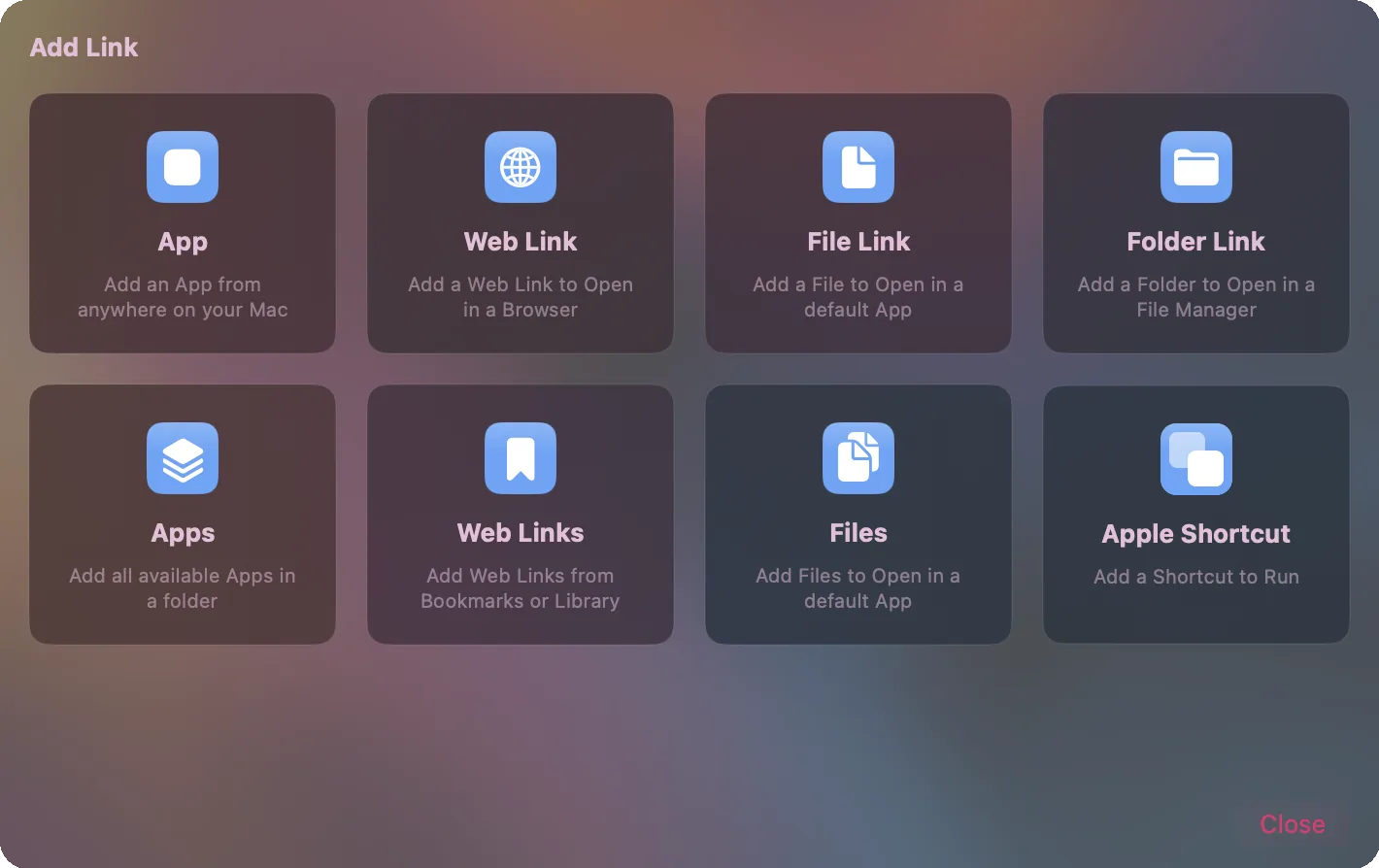
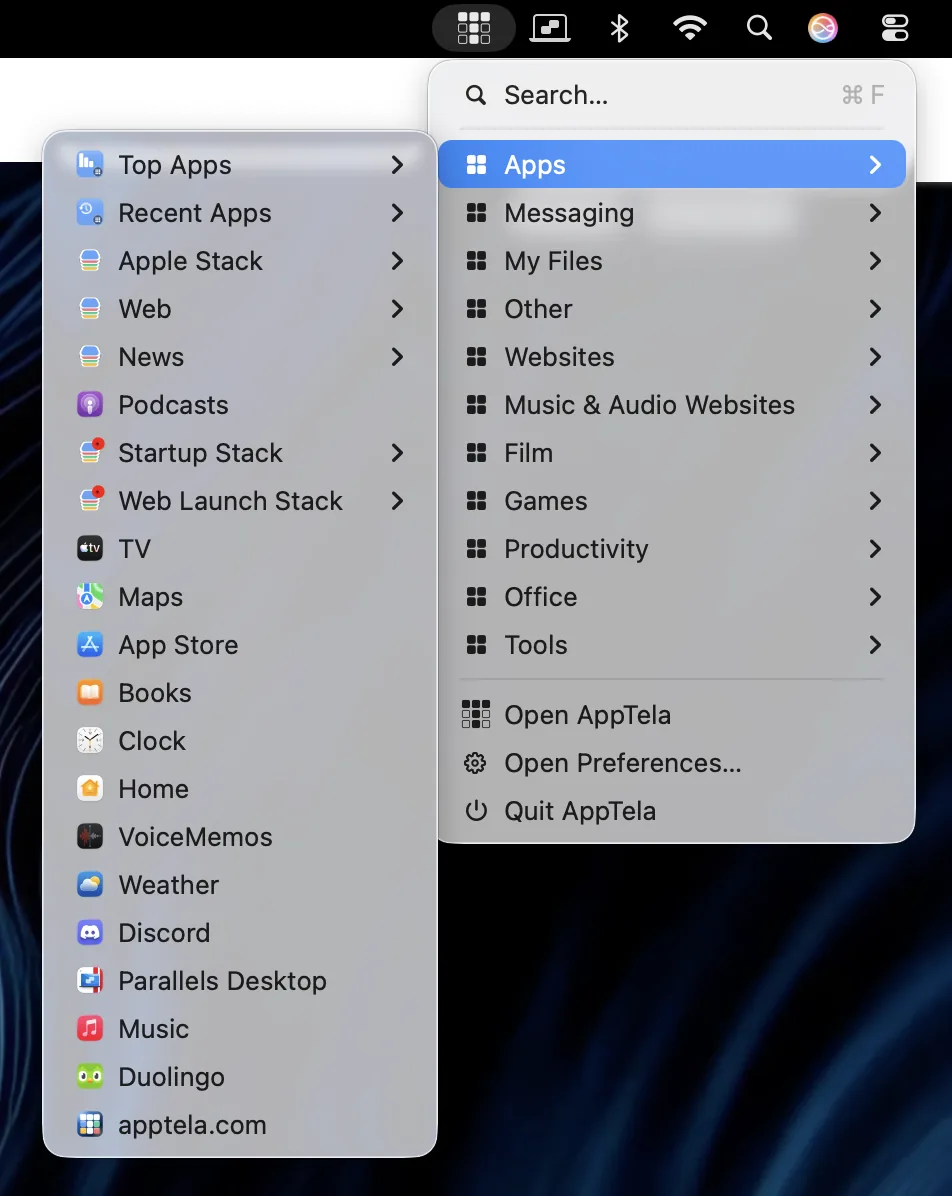
AppTela has always launched apps. Now it can also launch web pages, files, folders, and Apple Shortcuts - from the same Screens, Categories, Groups, and Stacks. There is a new Library catalogue behind it all, a refreshed menu bar, hover snapshots with Live Preview, and Notes you can pin to anything.
Web pages, files, folders, and Apple Shortcuts now live as tiles on your Screens, just like apps. Stacks and Groups can mix any of them. Pick which browser opens a Web Link, which Finder opens a folder, which app opens a file.
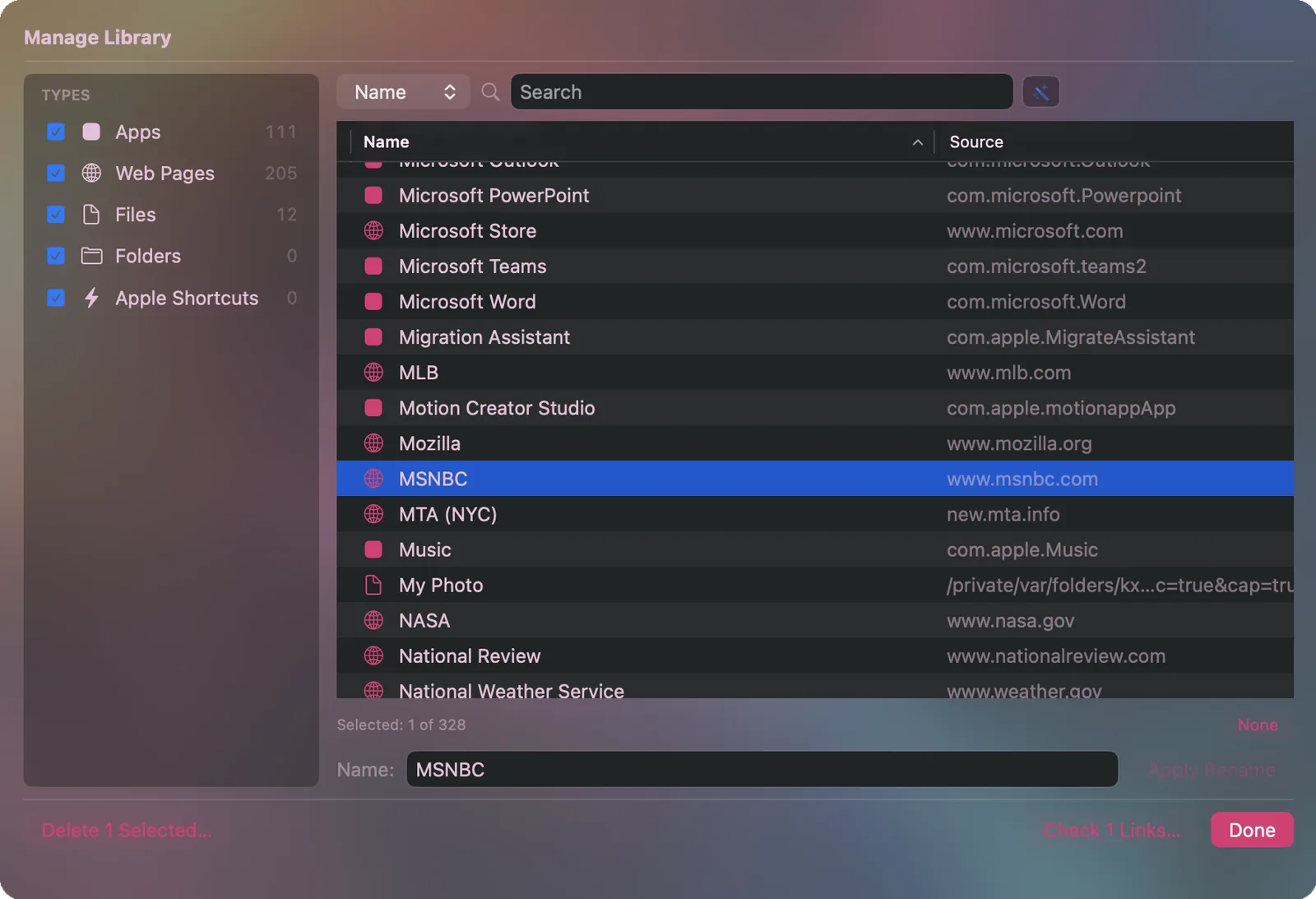
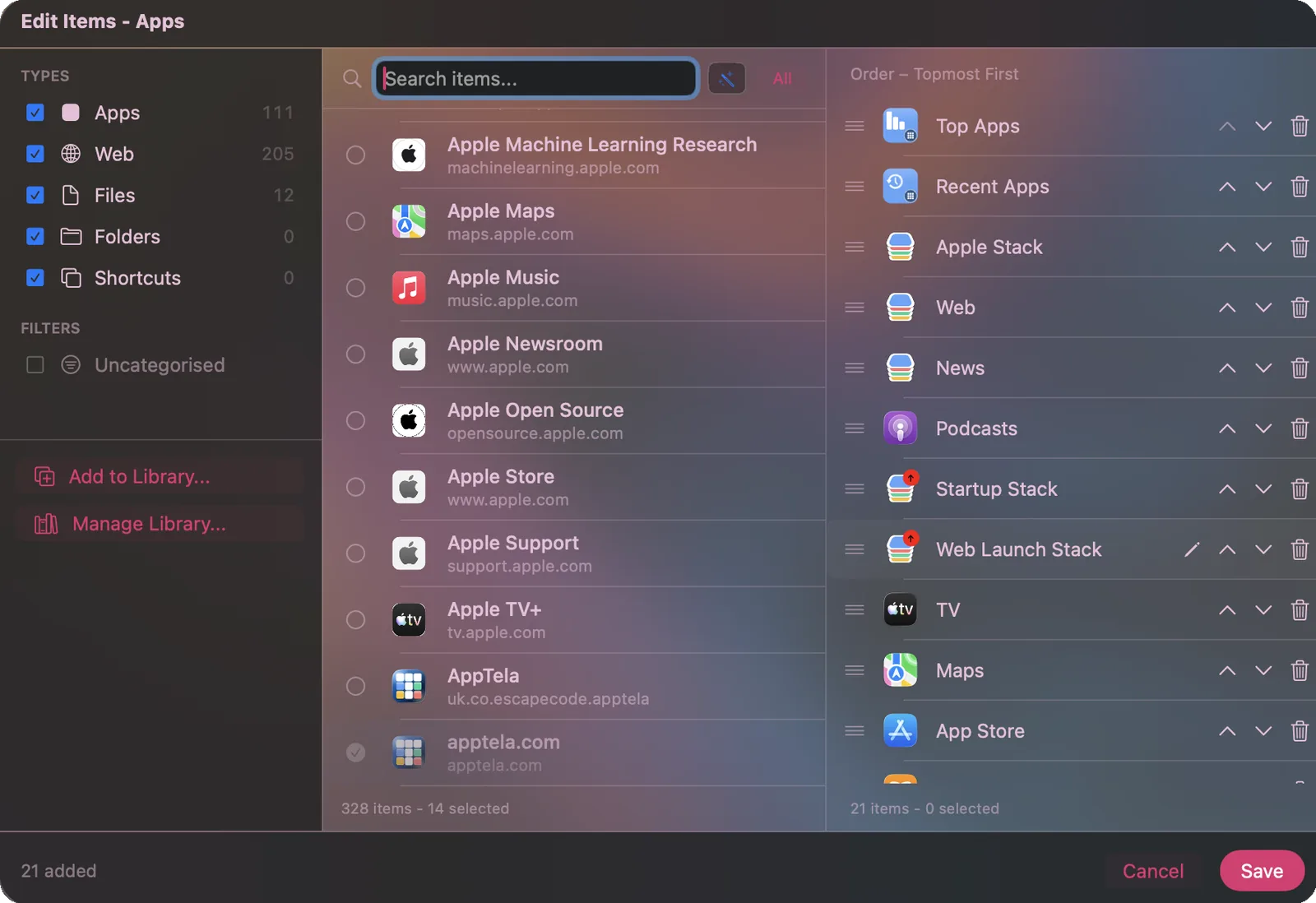
Items can live in the Library without being placed on a Screen. Search reaches every item from any Screen and from the menu bar. Add to Library (Cmd-N) or Manage Library (Cmd-L) via the File menu to add or manage items in your Library; place it on a Screen later, or never but always searchable. Manage and validate the whole catalogue separately from the Screen edit flow.
Manage Library · Cmd-L. Find, delete, validate the whole catalogue.
Add and Edit Items. Place Library items into Categories, Groups, and Stacks on your Screens.
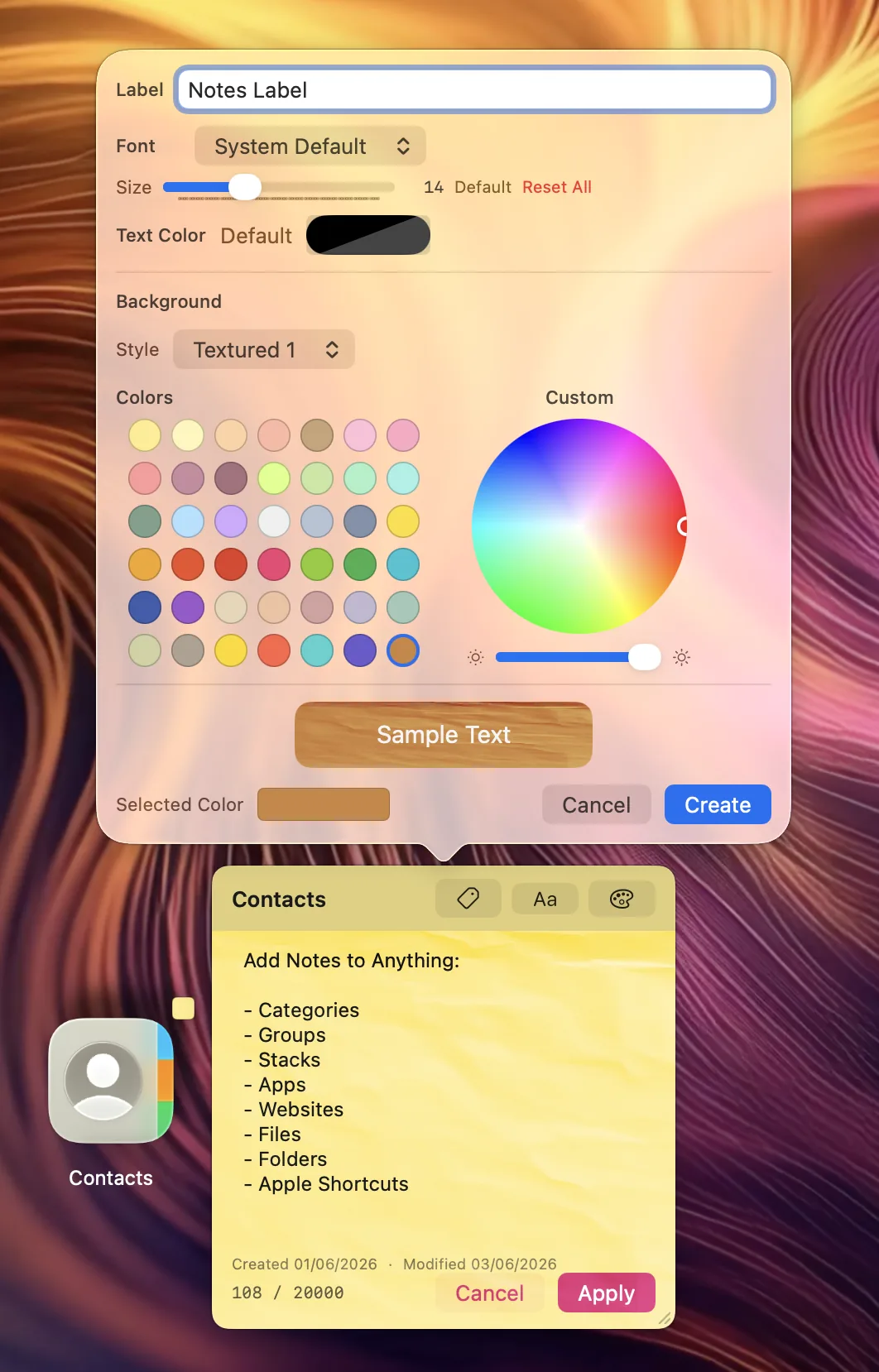
Attach a plain-text note to any tile - app, Web Link, file, folder, Stack, Group, or Category. Hover the tile and the note appears in a floating popup. Build a Label once (a name, a colour, a styling preset) and apply it to as many notes as you want. Labels work as searchable tags too - call one "Urgent" or "Todo", pin it to a handful of items, and filter by it later.
Labels. Save a styling and a name - "Urgent", "Todo" - apply it to any note. Filter by it in search.
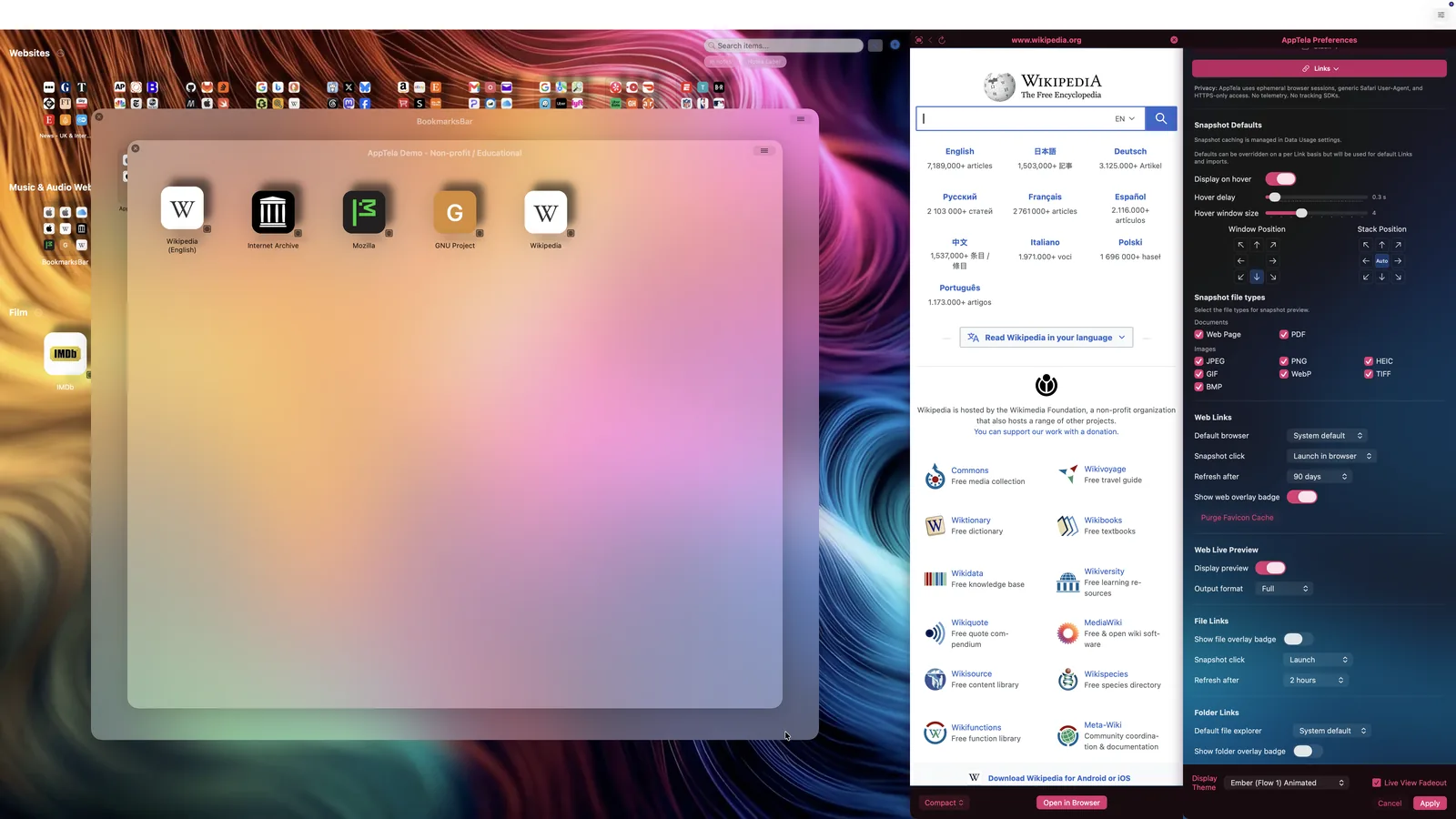
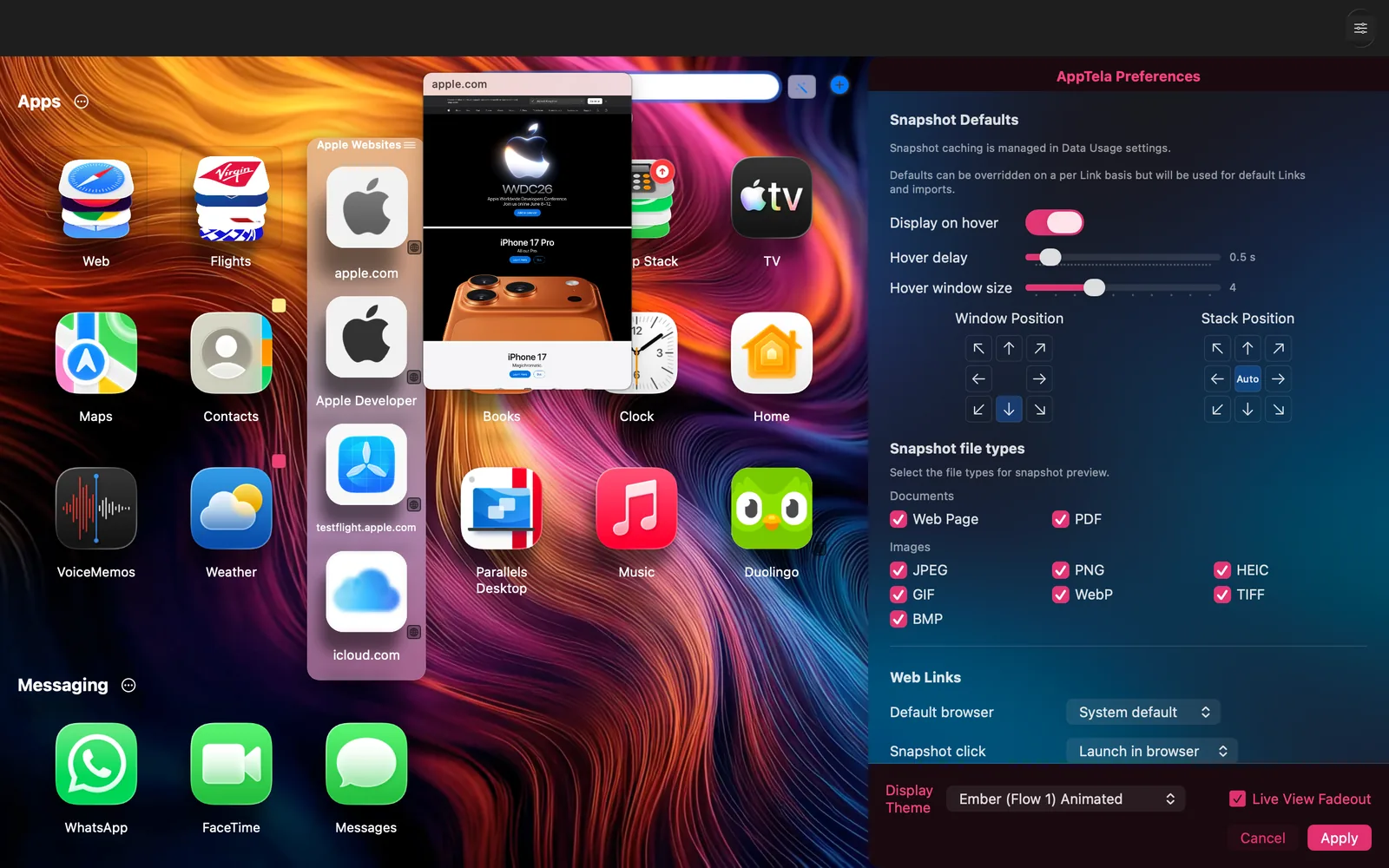
Hover snapshots show a small preview (configurable) of a Web Link, a PDF, or an image file. Click the snapshot and Live Preview opens the page in a panel beside the launcher - back, forward, reload, and an Open in Browser footer. Both are opt-in. The master toggle lives in Preferences and ships off by default.
Live Preview. Read the page inside AppTela. Open in Browser when you want to.
Snapshot, configured per link. Or set defaults in Preferences. Opt-in, off by default.
Three new themes ship with v1.2.0, each available as a static panel theme and an animated background. The default Flow 1 Ember has been re-encoded at 4K HEVC for sharper rendering on Retina displays, and the Flux theme has an updated animation.
Dynamic Groups and Stacks. Create Top or Recent lists based on Apps, Web Links, Files, Folders, or Shortcuts. Disabled by default until enabled in Data Usage preferences. Choose how many items each Top and Recent list keeps in the same pane.
Release a Stack or Group's members back into the parent Group or Category. Switch any Stack between Normal and Launch Stack.
Each item type - Apps, Web Links, Files, Folders, and Apple Shortcuts - has its own after-launch action so links can be handled differently from apps. Apple Shortcuts default to "Do Nothing" so that invoking shortcuts is directly actionable within AppTela.
A new pane with per-item-type tracking buckets plus snapshot capture and cache controls. All off by default. Opt in per type at any time.
AppTela finds apps nested inside vendor folders under /Applications - Setapp, Adobe, Microsoft, and friends.
A menu item that checks the Mac App Store for a newer version of AppTela.
Actionable nudges inside Preferences when something can be improved - shadow performance, snapshot opt-in, an available update.
Direct plist reads, recursive sub-folder discovery, and lazy menu bar setup. Most visible on large libraries.
Hundreds of UI, scroll, drag-and-drop, snapshot reliability, and app-exit fixes across every surface touched.